

How to Organize Your Digital Photos Once and For All
A weekend photo organization system that lasts: gather everything, back it up, delete the junk, sort by date, and keep it tidy with minutes of monthly maintenance.
Step-by-step tutorials and practical how-to guides for everyday tech tasks.
A weekend photo organization system that lasts: gather everything, back it up, delete the junk, sort by date, and keep it tidy with minutes of monthly maintenance.

Burning, itchy eyes after long screen days are usually fixable: monitor position and brightness, glare-free lighting, the 20-20-20 rule, and better blinking habits.
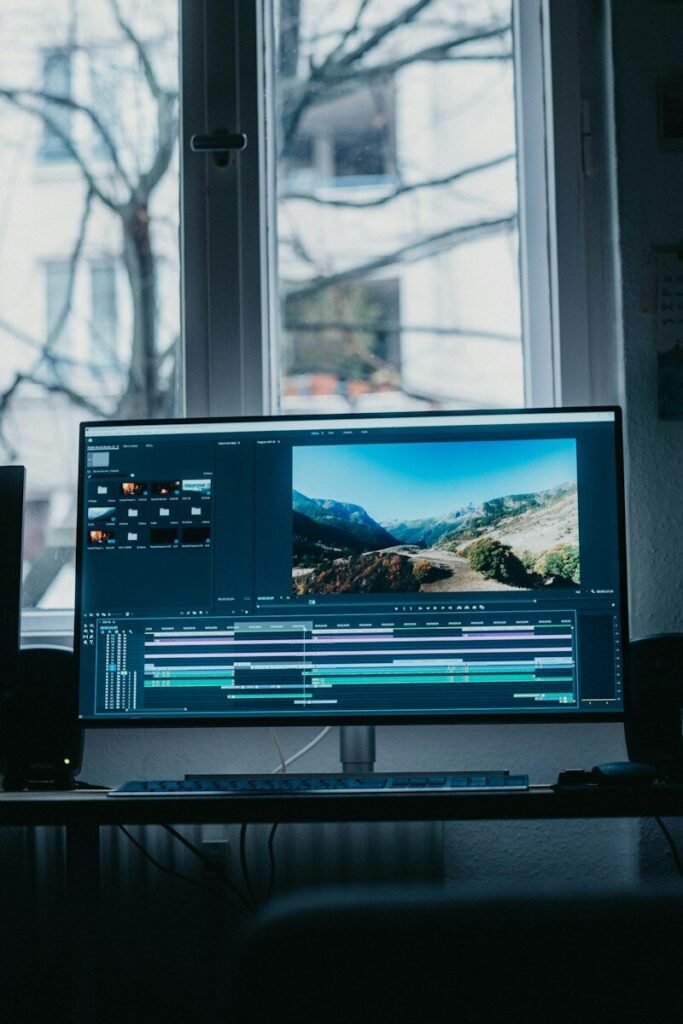
Windows, Mac, iPhone, and Android each have a free built-in screen recorder: exact steps, audio setup, editing basics, and troubleshooting.

Android to Android, iPhone to iPhone, or switching sides: step-by-step data transfer with prep, WhatsApp chats, and the post-transfer checklist.

The five red flags of phishing, the verification habit that defeats them, and exactly what to do if you already clicked.

Router placement, bands, mesh systems, and security: the complete step-by-step for home Wi-Fi that reaches every room.

Reclaim gigabytes without deleting a single photo: cloud photo optimization, cache clearing, offloading unused apps, and the settings that keep phone storage free.

Unique passwords plus two-factor authentication: the practical system that secures your email, bank, and social accounts against the attacks that matter.
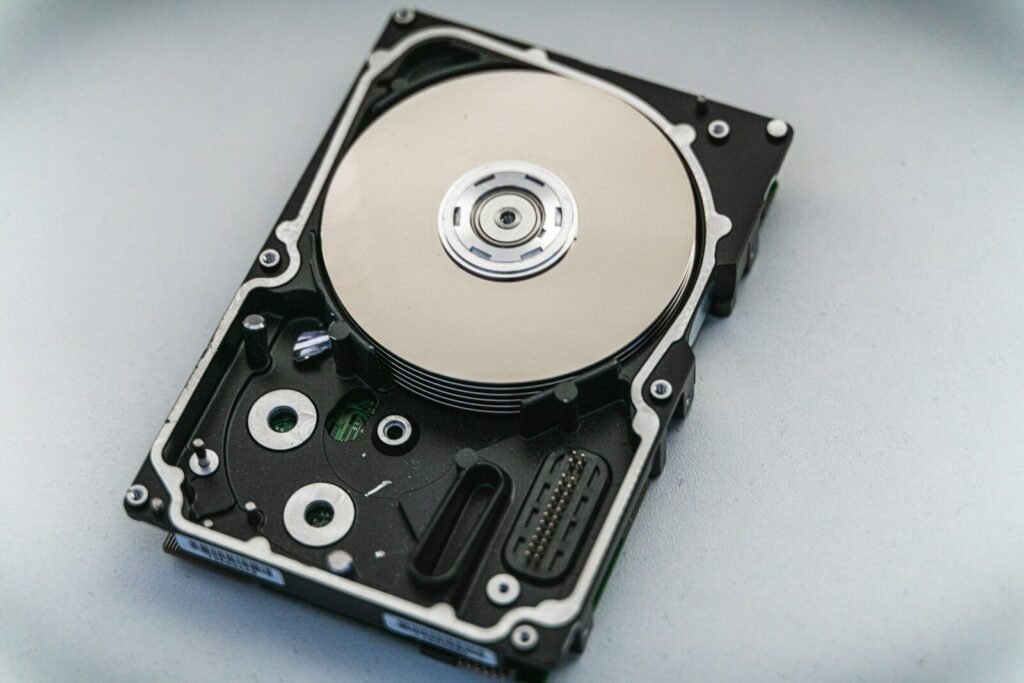
The 3-2-1 backup rule explained: how to keep three copies of your data, on two media types, with one off-site — for phones and computers.

Is your laptop crawling? These 12 practical fixes — from taming startup apps to SSD and RAM upgrades — will make a slow Windows or Mac laptop feel fast again.